

Ask for the edit
Describe the video you want. Your agent reads the footage, asks about what it cannot infer, and edits a real multi-track timeline.
A real video editor for your Mac, built for the agent you already use. Every cut, caption and grade lands on a timeline you can still touch.
Free to startApple siliconClaude Code, Codex and Copilot
Claude Code, Codex and GitHub Copilot are found on your Mac automatically. Codex comes built in, and your provider credentials never leave the agent.
Pick an ask and see what the agent does with it: the tools it runs, the change on the footage, and the clips it lands on your timeline, where you can still move them.
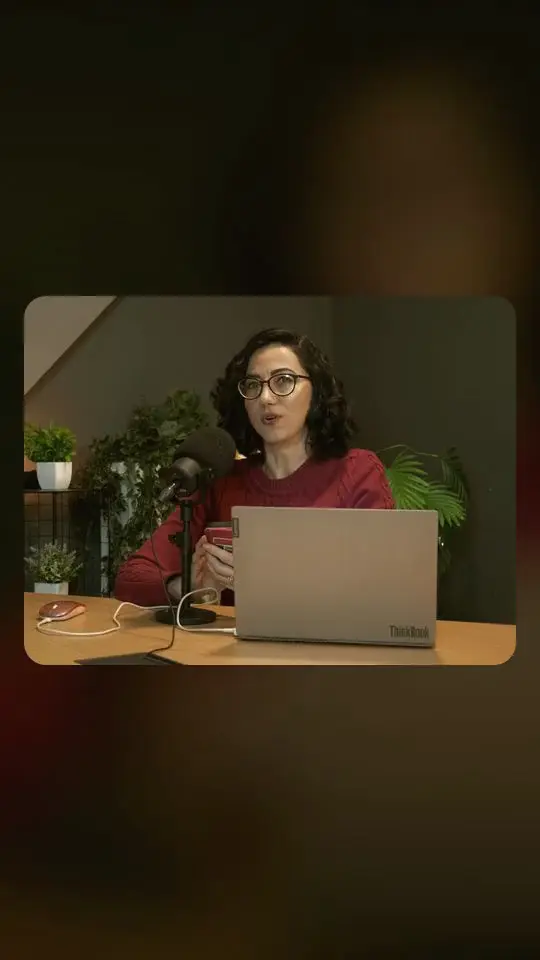
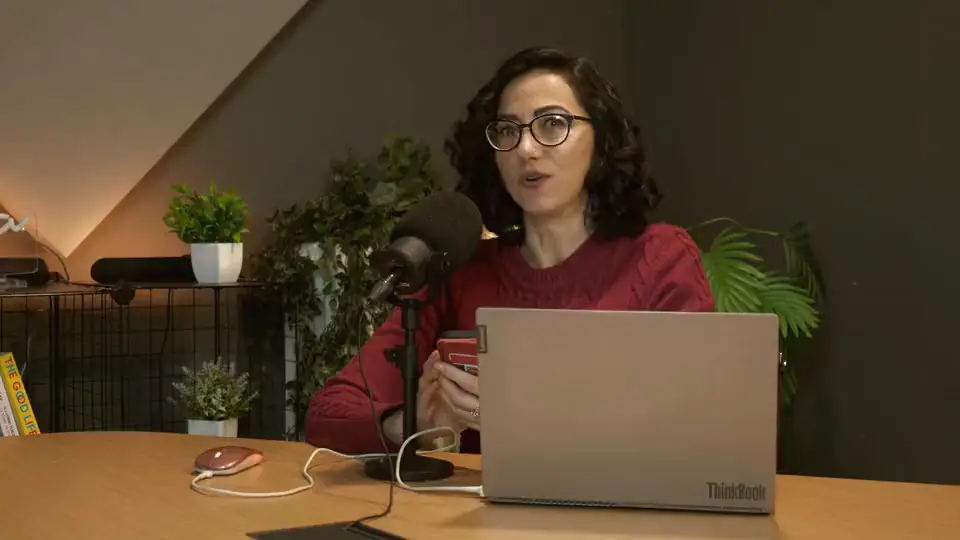
Claude Code is asked: “Caption this in Hindi, with a Roman line underneath for friends who don't read Devanagari.” An interview in Hindi gains two-line captions: Devanagari on top, a Roman transliteration beneath, each word lit as it is spoken.
Describe the video you want. Your agent reads the footage, asks about what it cannot infer, and edits a real multi-track timeline.
Your transcript is your captions. Rename a misheard word, remove a filler, split a line or highlight a phrase, and the video follows. Cutting the footage by its words is one ask away.
Word-timed captions in 90+ languages, in the native script, romanized or in English. Pick from 85+ styles, for the whole project or one line.
Titles, lower thirds, charts, maps and 3D scenes, made from a sentence and checked frame by frame. Retype the words and swap the colors in the Inspector.
Three skills come built in: the editor itself, video editing and motion graphics. Add the ones you already use, and every run follows your house style.
Search your footage by what it shows. Ask for the shot where she smiles into the sun and land on the exact second. The analysis runs on your Mac.
Choose how much your agent does on its own. Ask waits on every edit as a receipt you apply or decline, Plan shows the whole plan and its credits before anything changes, and Auto runs end to end. Each batch undoes in one step.
MP4, MOV, WebM or MKV up to 4K, in H.264, HEVC or AV1, rendered on your Mac. Captions burned in or as subtitles. No watermark and no upload.
More tools for the moments that need a human hand.
Generate
Video, images, music and voice from the models that lead each field, made inside your project and ready for the timeline.
An astronaut's visor mirrors the Earth, cold blue rim light, slow push in
Pick a model, attach a frame, describe the shot. The price shows before you spend a credit and the result lands in your Assets, one click from the timeline. Or just ask your agent.
Voiceover in sixteen languages, full songs or instrumental beds, and foley cut to length.
Welcome back. Today we slow down and taste the first pour.
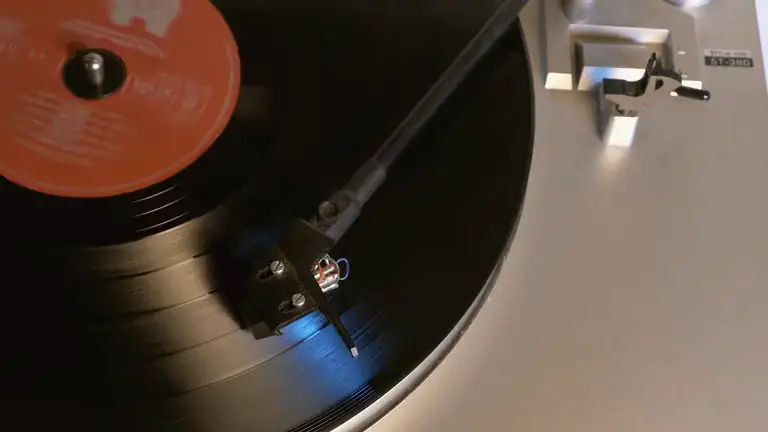
Englishहिन्दीதமிழ்EspañolFrançais日本語한국어+9 more“Warm lo-fi with Rhodes and vinyl crackle, 84 BPM, no vocals”
InstrumentalVocals and lyricsExact lengthExample shots are stock footage, shown to illustrate the prompts. Model names and logos are trademarks of their owners.
Skills teach your agent the craft. Formats gives it the timeline, the renderer and more than 270 editing commands, right inside the editor.
Skill library
Add your own: any folder with a SKILL.md
Formats finds Claude Code, Codex and GitHub Copilot on your Mac and runs them in its AI panel. There are no API keys to paste.
The built-in editing skills load on every run. Your own skills and plugins load with Full access.
Cut, caption, grade, animate, mix and export through native operations, each one undoable.
Ask for it in a sentence. Footage goes in, a finished cut comes out, and every title, caption and grade stays editable on the timeline.
Claude Code: Slow it down. A quiet serif title, like a craft film./formats-motion-graphics
THIS IS THE PART
Codex: Bold captions, one word at a time, for Reels./formats-video-edit
Copilot: Day two in Kyoto. Keep it calm, add the place names./formats-video-edit
Claude Code: Name each step and time the bloom./formats-video-edit
Codex: Make this the opener for a surf brand./formats-motion-graphics
मैंने ये सब खुद सीखाMaine ye sab khud seekha
Copilot: Hindi captions, with a Roman line underneath./formats-video-edit
Claude Code: Documentary lower third. Place and time./formats-motion-graphics
Codex: End on the collection name and a date./formats-motion-graphics
Claude Code: Cut every take to the downbeat./formats-video-edit
Copilot: Episode card for day 14 of the series./formats-video-edit
Claude Code: Pin the temple on a map callout./formats-motion-graphics
Codex: Podcast clip with a live waveform and the episode title./formats-video-edit
Copilot: Letterbox it and set one line of poetry in serif./formats-motion-graphics
Claude Code: Call out the garnish and the plating step./formats-motion-graphics
Codex: Overlay the run: distance and pace, counting up./formats-motion-graphics
Copilot: Three hours of painting in twenty seconds./formats-video-edit
Illustrative edits on stock footage from Pexels.
Every tool your agent reaches for is a panel you can open yourself, on the same timeline, with the same undo.
Looks, color wheels and curves open right in the Inspector. Every grade stays editable and keyframable.
Volume, fades and EQ on every clip, with the curve drawn where you can drag it.
Stack video, B-roll, titles and music. Blade a clip, drop a transition, keyframe anything, change the speed.
Every action stays one shortcut away.
Your edits and your agent's, so ⌘Z always works.
Plain files in a folder you own.
MP4, MOV, WebM or MKV, never watermarked.
Discover the details as you edit.
Claude Code (2.1.259 or later), Codex and GitHub Copilot CLI (1.0.81 or later). Codex is built into the app. Formats finds the others on your Mac; Claude Code keeps the sign-in it already has, and Copilot asks you to sign in once.
Your agent runs on its own plan, such as ChatGPT for Codex or Claude for Claude Code, and Formats never sees those credentials. The editor works without any agent at all, and Quick tools on Home add captions, a transcript, a voiceover, a music bed or an avatar video in one step.
Yes. Pick a run mode in the composer. Ask checks with you before each edit, import and spend. Plan shows the whole plan with the credits it needs and waits until you choose Approve and build. Auto runs end to end, and everything it does stays undoable. In every mode, steps that spend credits ask first.
A folder of instructions, a SKILL.md, that teaches an agent a craft. Formats ships three skills that load on every run: the editor, video editing and motion graphics. With Full access your agent can also load skills you wrote or installed yourself, such as your team's brand kit or house style.
Projects and footage stay in a folder on your Mac, and video understanding runs on the device. Your agent sees project details and stills only after you approve, uploads and paid services always ask first, and exports render on your Mac.
Captions, yes: rename, remove, split or highlight any word in the transcript and the captions on the video follow. To cut the footage itself by its words, such as fillers, silences, retakes or whole lines, ask your agent, or use Remove filler words and Remove silence from a clip's menu, which preview the cut before it lands.
Video from Veo 3.1 Fast, Kling 3.0 Pro, Seedance 2.0, Wan 3.0 and Gemini Omni Flash. Images from Nano Banana 2 and Pro, GPT Image 2.5, Seedream 5.0 Pro and FLUX.2 Turbo. Music from Lyria 3.5 and Eleven Music, plus sound effects and Sonic 3 voiceover. Every model runs on Creator's credits, and every result lands in your Assets, ready for the timeline.
Yes. Formats is a full multi-track editor with transitions, keyframes, color grading, captions, audio mixing, cut-outs and motion tracking. Every agent edit lands as ordinary clips you can fine-tune or undo.
Downloading and editing are free, and exports are never watermarked. Hosted AI such as transcription, voiceover, music and generation uses credits, which come with the Creator plan, along with voice cloning and avatars.
Macs with Apple silicon, M1 or later. Intel Macs are not supported yet.
 Beta
Beta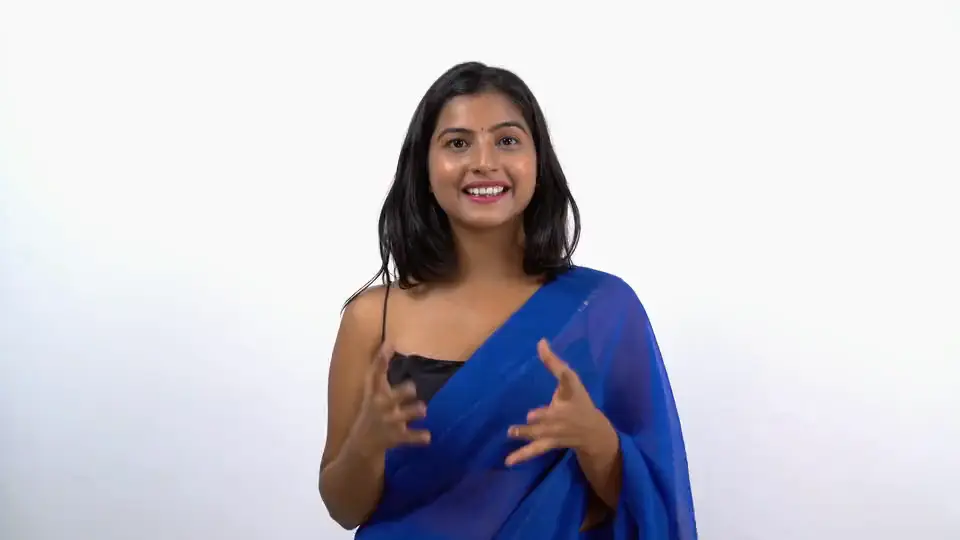
 Beta
Beta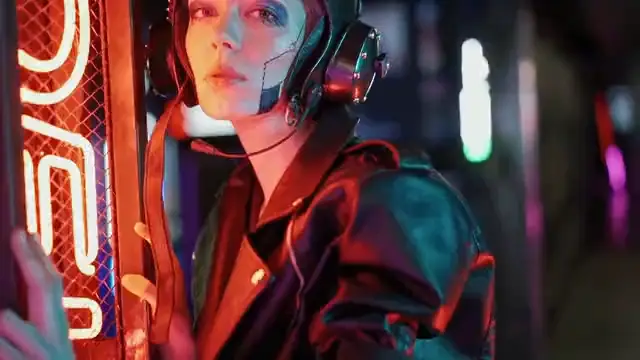 Creator
 Beta
Beta Beta
Beta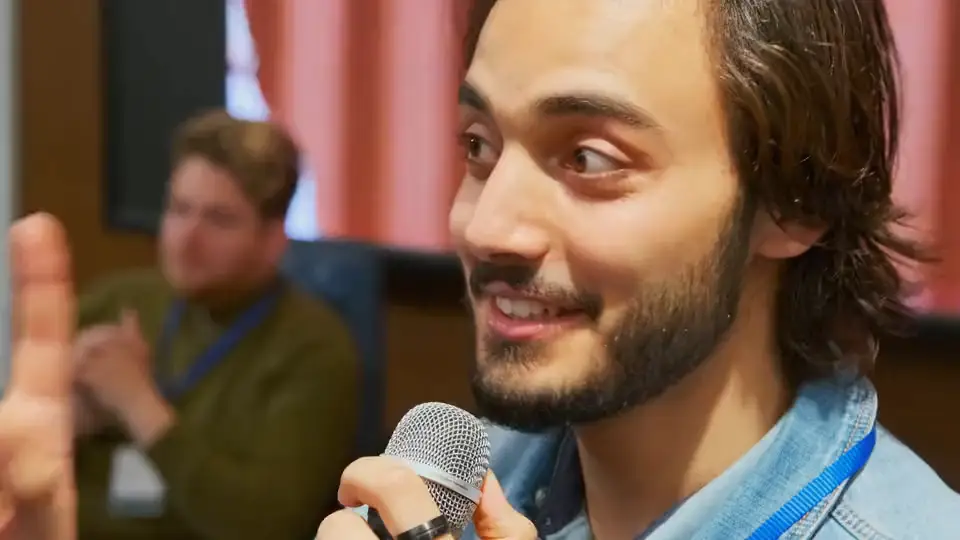 The first call
 Beta
Beta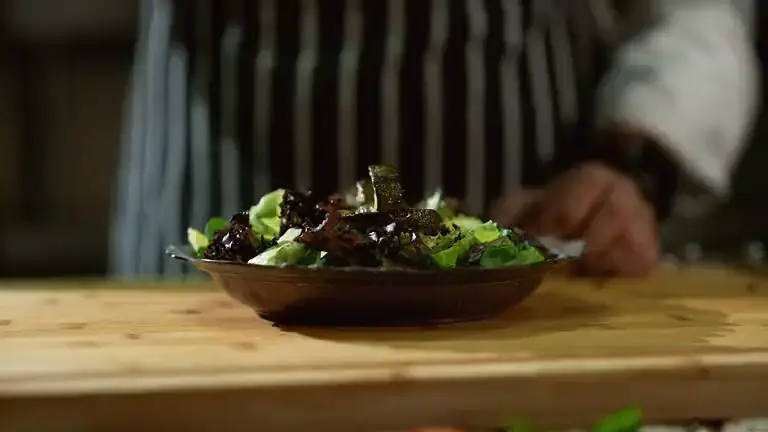
 Veo 3.1 Fast16:9 · 8s · 1080p · Sound
 Start
Start Eleven Music